Your website
MARION ELLISWORK ABOUT
Still life.
Full of feeling.
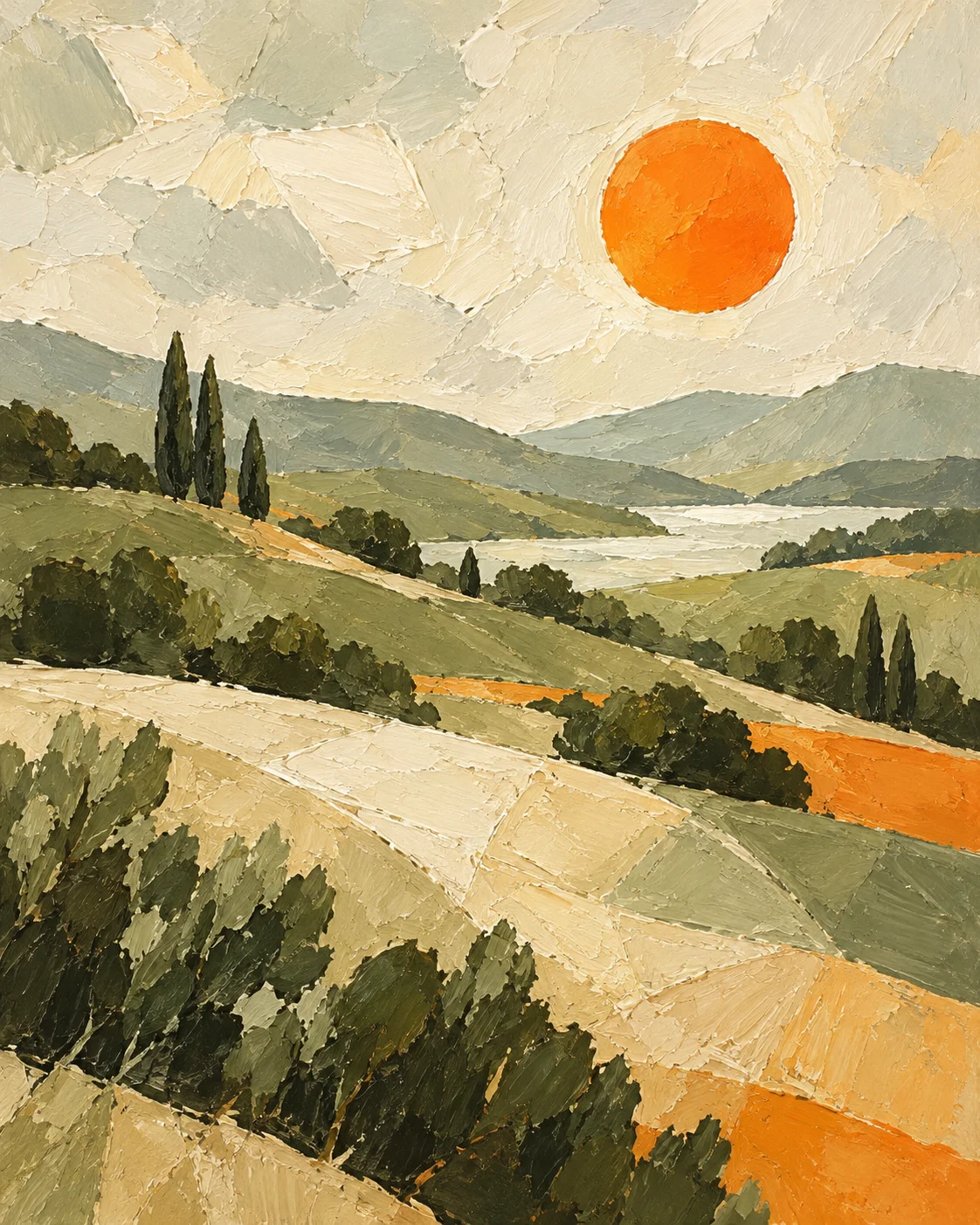 Afternoon, Slowly ↗
A beautiful place to be found.
 ArtCrew
A LITTLE HELP. A LOT MORE POSSIBILITY.
Take care of the admin in a few clicks.
Get back to creating.
No coding. No starting from scratch. Just your work.
My studio
Everything starts here
Oil on linen · 50 × 65 cm · 2026
Still life.
Full of feeling.
Afternoon, Slowly ↗
A beautiful place to be found.
Afternoon, Slowly. Finding the extraordinary in an ordinary afternoon.
Another reason to show up.
Afternoon, Slowly
Oil on linen · 50 × 65 cm
An original artwork, 2026.
The professional finishing touch.
Your website, posts and documents.
Ready in a few clicks.
 A little more time where you belong.
TWO SCREENS. ONE CREATIVE LIFE.
Add an artwork in seconds. Schedule a post. Save a new contact.
When you sit down at your dashboard, the details are already there.
ON YOUR PHONE
ON YOUR DASHBOARD
Choose a website layout, put together a portfolio, or prepare a catalogue. Start with the images and details you’ve saved.
Your image and details, together.
Available to useON YOUR PHONE
A quiet afternoon, a new painting.
A little more of what I love.
ON YOUR DASHBOARD
Review a suggested post and choose when it goes out from your phone. On your dashboard, see the calendar and shape what comes next.
10:00ScheduledON YOUR PHONE
ON YOUR DASHBOARD
Save someone’s details while the conversation is fresh. Return to their contact record on your dashboard, with your notes ready to pick up.
Added from your phone
Met at the open studio.
Interested in the new series.
Connected through your ArtCrew account with cloud sync. Illustrative previews.
A PLACE TO CALL YOUR OWN
A website that feels like you. A selection worth sharing.
The details that follow your work into its next home.
MAKE IT YOUR OWN
Explore the ways your work can take shape.
AN ONGOING CONVERSATIONOil on linen
50 × 65 cm
2026
Marion Ellis
Selected works
This is an original work by Marion Ellis.
I paint the quiet moments of everyday life, finding something worth keeping in the things we pass by.
Painter · Bristol, UK
Everyday life, observed in oil.
It all starts with the work you’ve already made.
Artwork · Collections · Contacts · SalesSAME ARTWORK. TWO DIFFERENT AFTERNOONS.
Separate tools mean starting again.
ArtCrew starts with the work you’ve already saved.
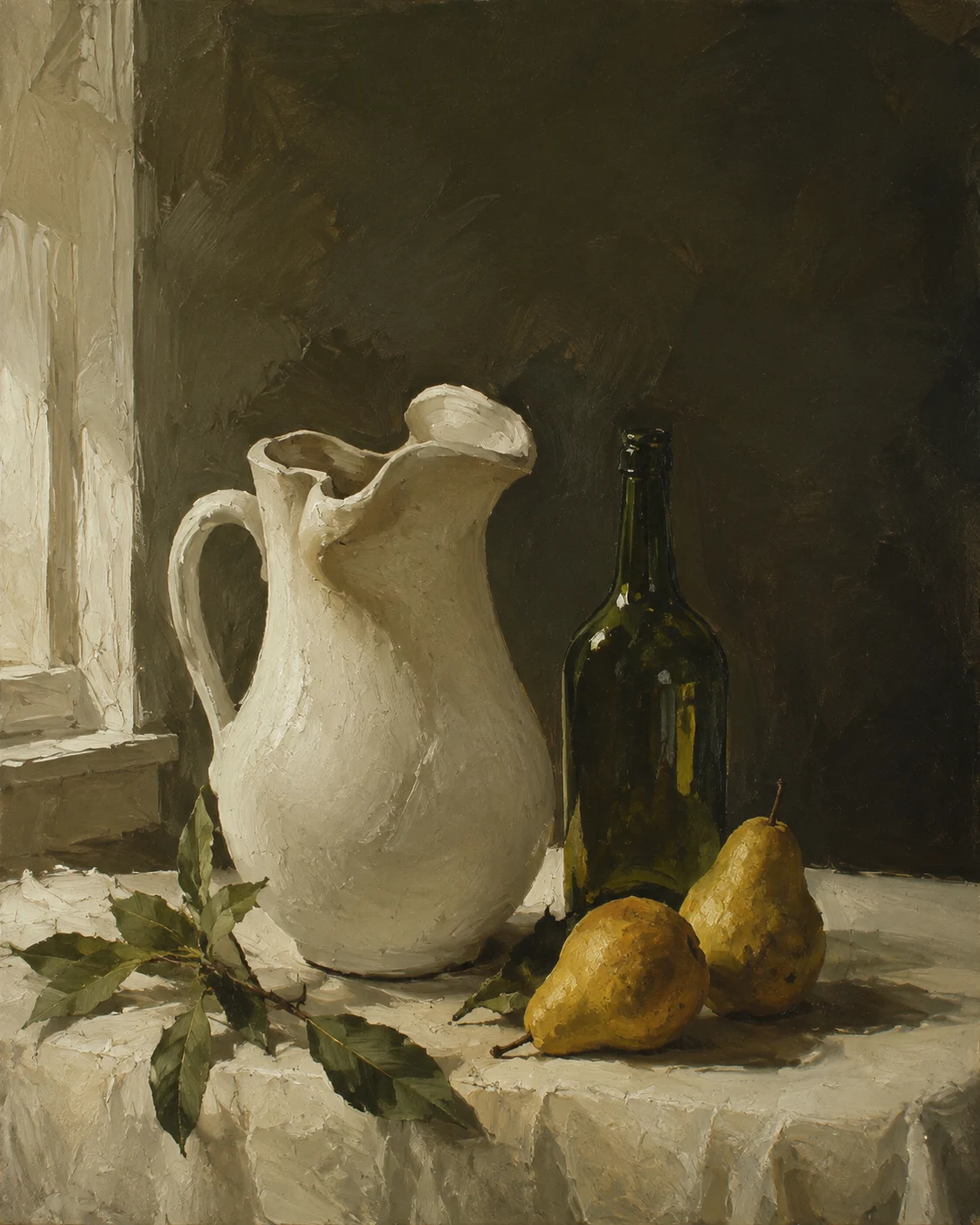 Afternoon, SlowlyOne image. One set of details.
Every new tool asks you to start over.
Start with the basics.
Switch tools. Repeat the details.
Find the files. Fill another layout.
One more document. The same information.
Save the artwork. Start from there.
Afternoon, SlowlyPhoto, title, medium, dimensions.That part’s taken care of.
Make it yours. Review it. Share it.One artwork. Four destinations. See where the repeated work adds up.
An illustration of using separate tools versus connected artwork records. Review and personalise your outputs before sharing.
YOUR TIME IS PART OF YOUR PRACTICE.
Choose the work. Shape the presentation.
ArtCrew brings the details together.
hours
every year.
Your current admin time, based on 52 weeks.
Imagine giving more of it to your art.
YOU DON’T HAVE TO DO IT ALL TODAY.
A home for your work. A way to share it.
The tools to present yourself professionally.
GOOD TO KNOW
Before you begin.
Yes. Your artwork is the starting point. Choose your website’s style, edit your words, and shape your documents. You decide what to publish and when.
Start with an image and a title. Add details as you go. Your artwork gives your website, posts and documents a starting point, and you can build your website without coding.
Of course. Organise your artwork, prepare a document, or build your website. Use what helps you today and explore the rest when you’re ready. You can view the available plans in ArtCrew.